Dashboard
The CompactifAI Dashboard is where registered users monitor usage, manage API keys, and configure account settings.
Signing in
Section titled “Signing in”Go to dashboard.compactif.ai and sign in with your registered subscription email address. You’ll be redirected to Multiverse IAM to complete sign-in with a one-time passcode (OTP) sent to that email.
API Usage
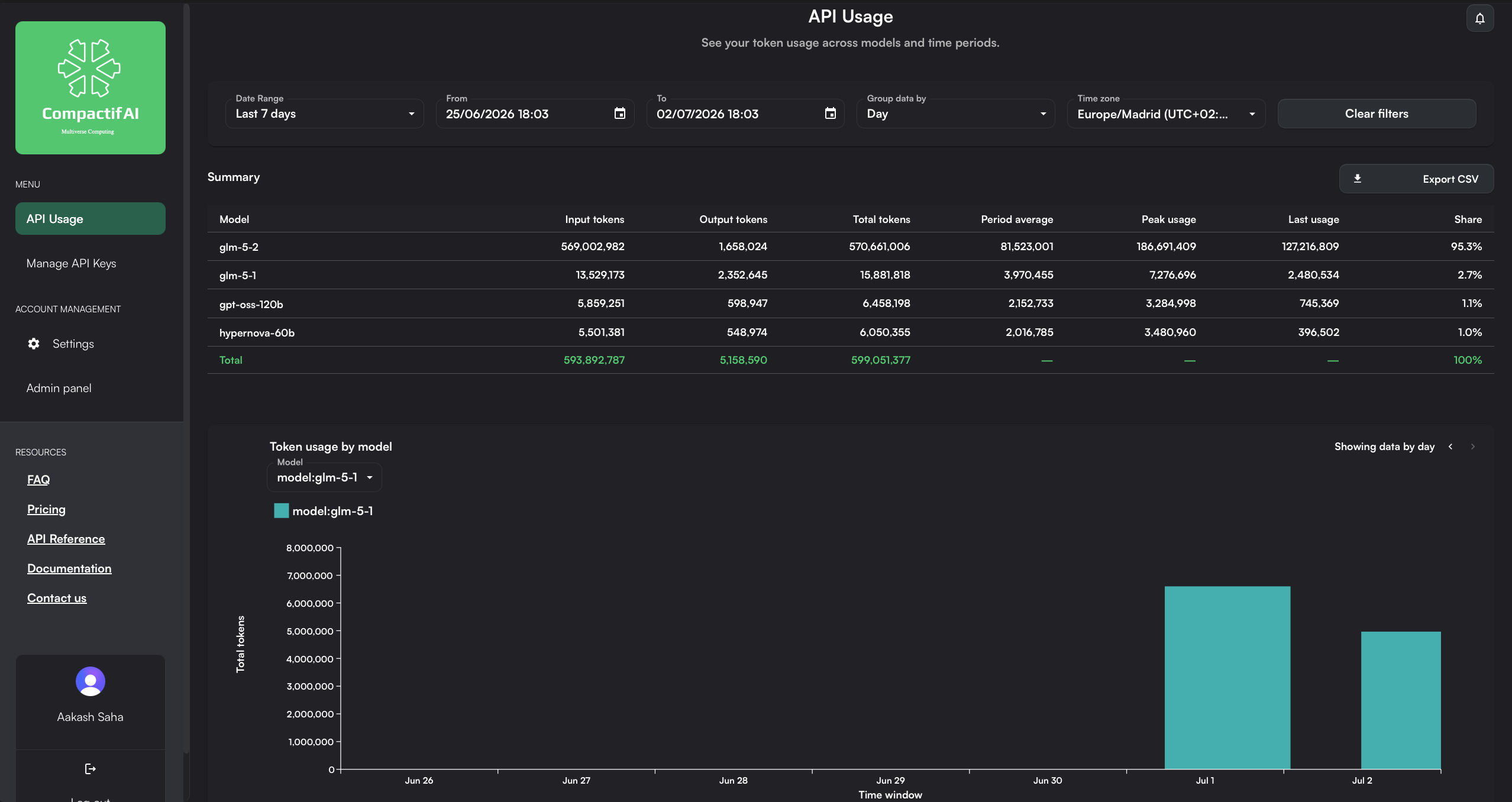
Section titled “API Usage”The API Usage page shows your token consumption across models and time periods.
- Filter by date range, custom from/to dates, grouping (e.g. by day), and time zone.
- A summary table breaks down input tokens, output tokens, total tokens, period average, peak usage, last usage, and share by model.
- A chart plots token usage by model over time, with a per-model selector.
- Export the summary as CSV.
Manage API Keys
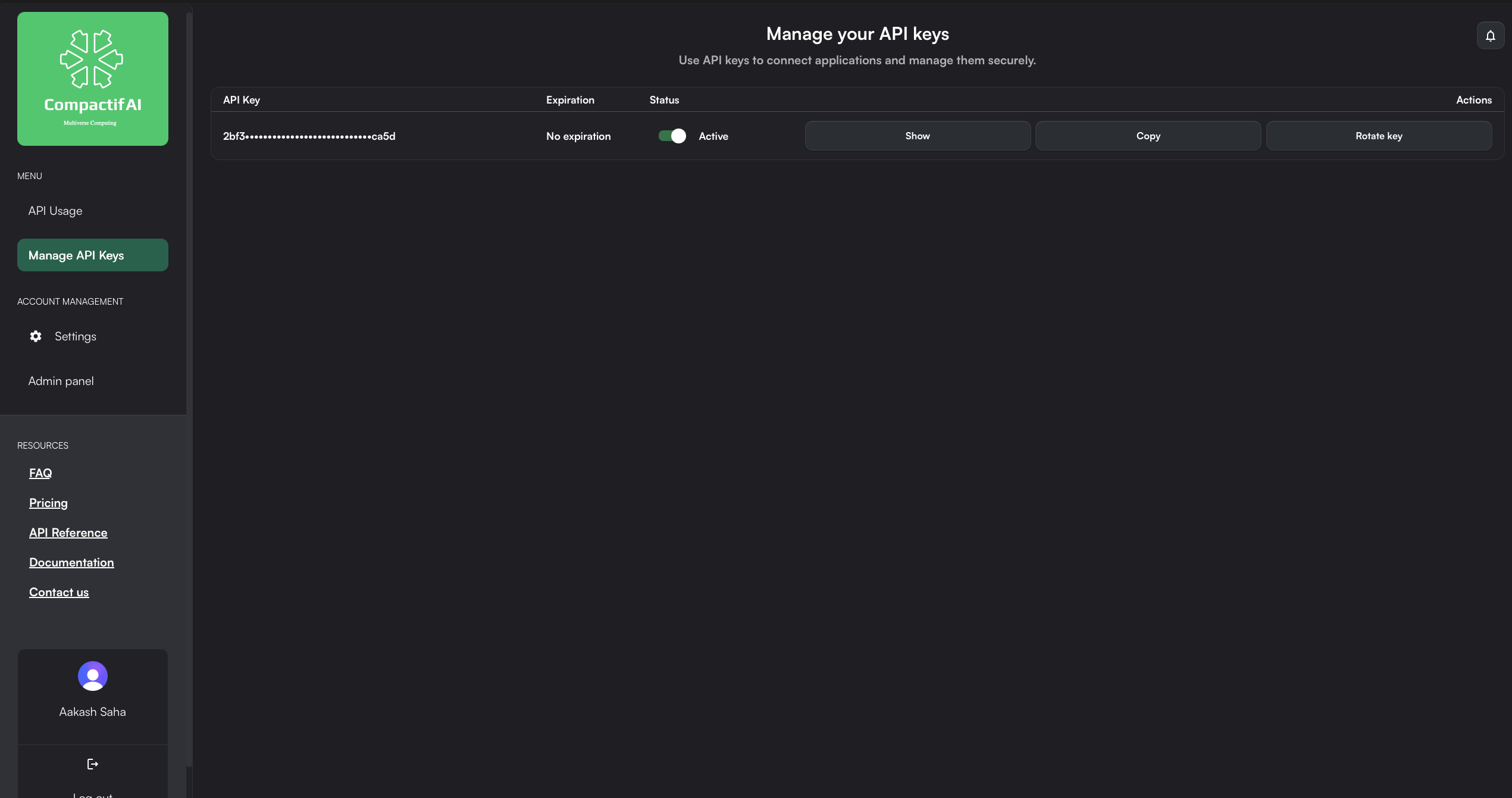
Section titled “Manage API Keys”The Manage API Keys page lists your API key(s) along with expiration and status. From here you can:
- Show the full key value.
- Copy the key to your clipboard.
- Rotate key to generate a new key and invalidate the old one.
Settings
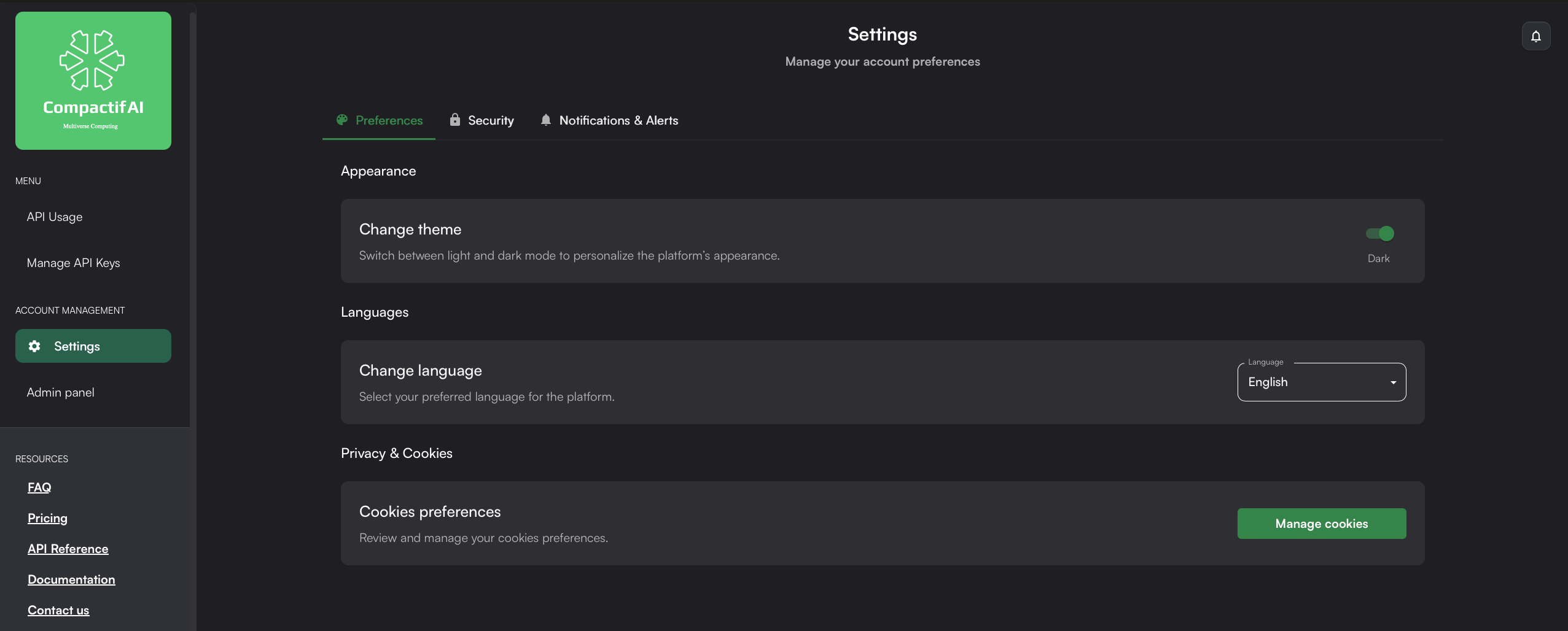
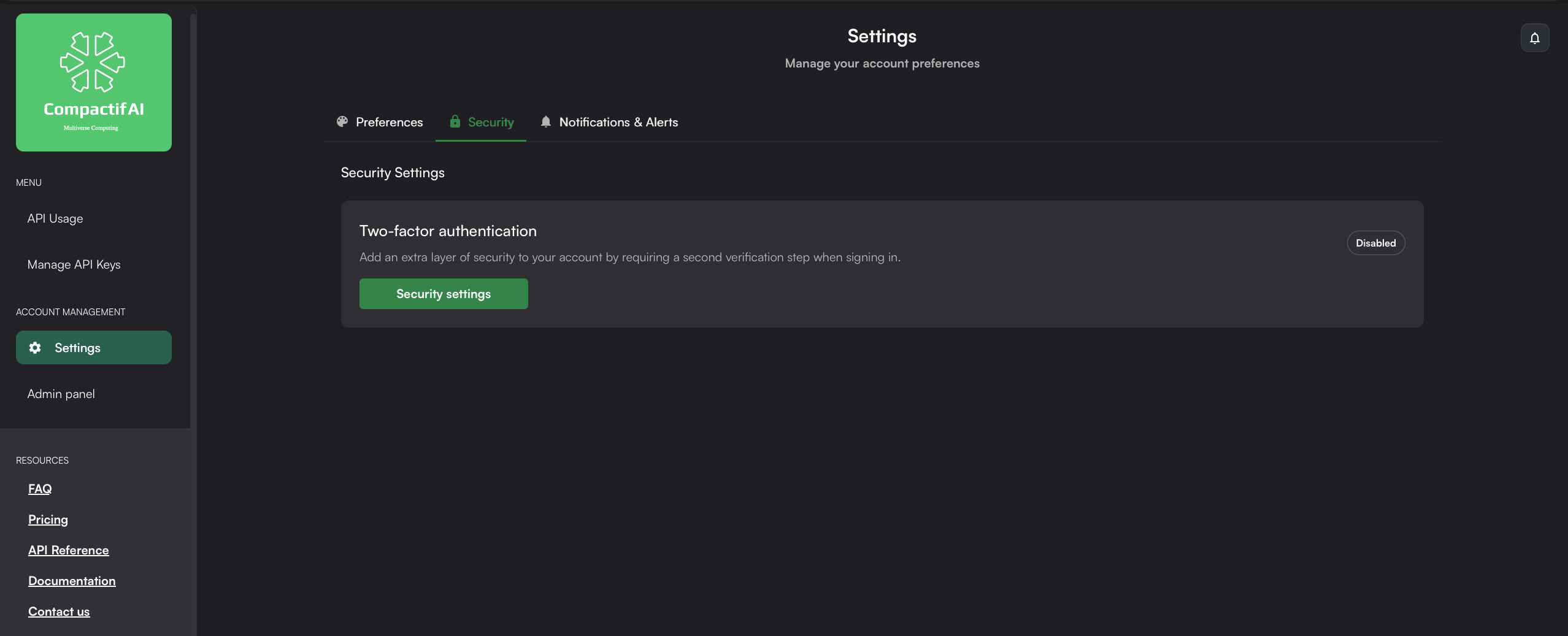
Section titled “Settings”The Settings page covers account-level preferences, organized into tabs:
- Preferences — switch between light and dark theme, change your display language, and manage cookie preferences.
- Security — enable or disable two-factor authentication (2FA) for your account.
- Notifications & Alerts — manage how you’re notified about your account and usage.
Quick links
Section titled “Quick links”The Dashboard sidebar also links back to the FAQ, Pricing, API Reference, documentation home, and support contact — so you don’t need to leave the Dashboard to find help.